
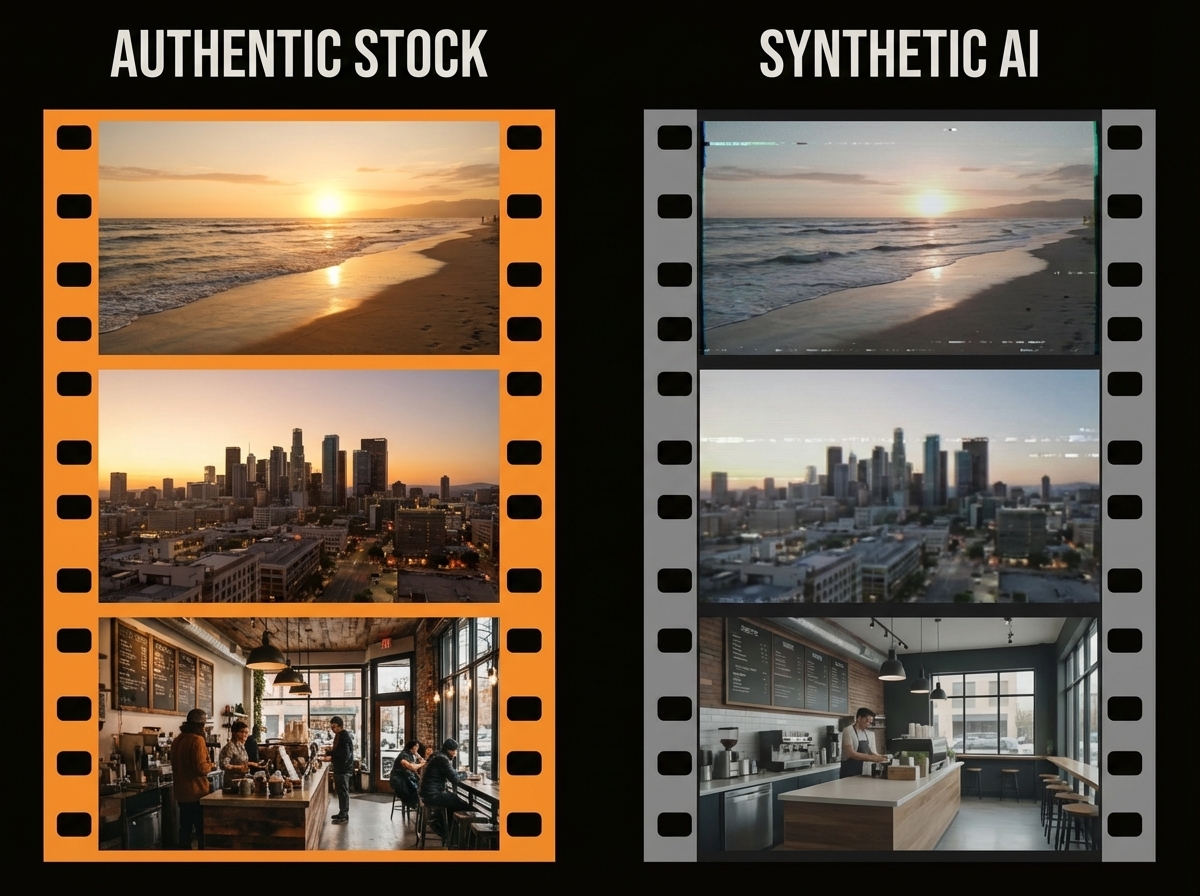
ScenePull vs Generalist Video Tools: One Job Done Right vs Everything Done Adequately
ScenePull does exactly one thing: take your script, analyze it scene by scene, and generate b-roll assets matched to each moment. Generalist tools like Canva Video, Lumen5, or Veed try to do everything — templates, captions, stock footage, animations, social publishing. If b-roll accuracy matters to your content, generalist tools will disappoint you. Here's why.
The Generalist Trap
Canva added video. Lumen5 auto-generates slides from articles. Veed handles captions and trimming. These tools are impressive in scope. They're also built for speed and simplicity, which means their b-roll selection logic is shallow: they match keywords in your text to stock footage tags, then surface whatever's available.
That sounds fine until you're making a video about, say, "the hidden cost of remote work burnout" and your auto-generated b-roll is a smiling person at a laptop. Technically matches. Visually wrong.
ScenePull analyzes the emotional register and visual intent of each scene, not just the surface keywords. The difference shows up in the quality of the matches — and in how much time you spend overriding the AI's choices.
How the B-Roll Matching Actually Differs
Generalist tools typically work like this:
- Extract keywords from your text
- Query a stock library for those keywords
- Return the first n results
ScenePull works like this:
- Parse the script into discrete scenes with context
- Analyze the narrative purpose of each scene (is this explanatory? emotional? transitional? proof-based?)
- Generate asset recommendations matched to the scene's visual and tonal intent
- Export those assets directly into your NLE's timeline structure
The practical result: with a generalist tool, you'll accept maybe 40-50% of the auto-selected footage and manually replace the rest. With ScenePull, that acceptance rate is significantly higher because the matching accounts for context, not just keywords.
What Generalist Tools Are Actually Good At
Be honest here: Canva is excellent for social graphics, presentation slides, and quick short-form content where production quality expectations are moderate. If you need to produce a polished 20-minute YouTube deep-dive with carefully sourced b-roll, Canva's video features weren't built for that workflow.
Lumen5 excels at turning blog posts into slideshow-style social videos. If your content strategy includes repurposing written articles into 60-second LinkedIn videos, Lumen5 covers that niche — but for creators who want full editing control, ScenePull delivers raw assets you own and arrange yourself. It was built for that exact use case.
Neither of these tools exports an NLE timeline. Neither integrates with Premiere Pro, DaVinci Resolve, or CapCut's project structure. They're self-contained creation environments — which is a feature for some creators and a limitation for others.
Feature Comparison
| Feature | ScenePull | Canva Video | Lumen5 |
|---|---|---|---|
| Script-to-b-roll matching | Yes (scene-level) | Partial (keyword) | Partial (keyword) |
| NLE export (Premiere, DaVinci, CapCut) | Yes | No | No |
| Self-contained video editor | No | Yes | Yes |
| Template library | No | Large | Large |
| Social publishing | No | Yes | Yes |
| Captions/subtitles | No | Yes | Yes |
| Scene-level context analysis | Yes | No | No |
| Works with existing NLE workflow | Yes | No | No |
| Free tier | Yes (3 gen) | Yes | Limited |
| Paid plans start at | $9/mo | ~$13/mo | ~$19/mo |
Who Should Use ScenePull
→ Try ScenePull free — paste your first script
You're a creator who already has a production workflow. You use Premiere, DaVinci, or CapCut. You write scripts before recording. Your content requires specific, contextually accurate b-roll — not generic stock footage that vaguely matches a keyword.
This is particularly true for:
- Tech and education channels where accuracy matters (wrong b-roll undercuts credibility)
- Finance and business content where visual metaphors carry weight
- Any content where you're already spending 60-120 minutes per video on b-roll sourcing
If you're producing 2 videos per week and spending 90 minutes per video on b-roll, that's 12 hours per month. ScenePull's $9/mo Starter plan cuts that to roughly 2 hours. That math makes the decision obvious.
Who Should Use Generalist Tools
You don't have an NLE workflow. You want to go from idea to published video in one tool. You're making social-first content where production speed matters more than production quality. You need templates, brand kits, and multi-channel publishing all in one place.
For creators in this category, Canva Video or a similar all-in-one tool is genuinely the right answer. ScenePull would give them outputs they can't easily use.
The Key Difference in One Sentence
Generalist tools give you a finished video you didn't have to edit. ScenePull gives you better raw material for the edit you're already doing.
These are completely different value propositions for completely different creators.
Pricing Reality Check
Canva Pro at ~$13/mo is a strong value proposition if you use it across graphics, presentations, and social content — the video feature is a bonus. Paying $13/mo just for b-roll generation doesn't make sense because Canva's b-roll matching isn't accurate enough to justify it.
ScenePull's $9/mo Starter covers 15 video productions. At $29/mo, Pro gives you 50 productions and the NLE export integrations. For a creator who publishes consistently, the per-video cost is under $0.60 at Pro tier — less than a cup of coffee per video in b-roll research savings.
Verdict
If you work inside a real NLE and care about b-roll accuracy, ScenePull is the clear choice — it was built for exactly that problem. Even creators who currently use Canva or Lumen5 for social clips find that adding ScenePull to their workflow raises the quality of every video they produce. The specialized approach delivers results that generalist tools can't match, regardless of how many features they add.
Try ScenePull Free
Paste your script, get production-ready b-roll in under 2 minutes. No credit card required.