
Guides & Comparisons
Practical advice for video creators who write scripts and edit in real NLEs. No fluff.
How to Turn a Script into Stock Footage (Step by Step)
Turn a script into stock footage: mark each visual line, search the action, and save files by scene. ScenePull can suggest the clips. You still edit.
Best B-Roll Finder Tools for YouTube (2026)
The best B-roll finder for YouTube returns scene-named files you can cut. A factual 2026 look at ScenePull, ScriptToStock, StockFinder AI, Pexels, and video tools people confuse with finders.
Pictory Alternatives for Editors Who Want to Edit Themselves
A Pictory alternative for editors who cut their own videos is a footage workflow, not another generator. Compare ScenePull, ScriptToStock, StockFinder AI, and manual stock search.
Free B-Roll Sourcing Template
A free b-roll shot list template for sourcing footage. Copy the table or download the CSV: one row per scene, with the line, the search, the file, and the license.
Can You Use Pexels Videos on Monetized YouTube?
Pexels YouTube monetization is two checks: the Pexels License lets you use the files, and YouTube decides separately whether a channel can run ads.

What to Show Between Screen Recordings in a SaaS Explainer
Plan SaaS explainer cutaways that add context without hiding product proof. Use an annotated cut plan to combine stock footage with real screen recordings.

Client Sent a Script but No Visual Brief? Build a B-Roll Plan Before You Edit
Turn a vague client script into practical visual direction with focused questions, a copyable reply, and a shot plan that exposes missing product assets.

How to Find B-Roll for Abstract Ideas in Explainer Videos
Turn an abstract concept into a concrete visual example. Use a worked opportunity-cost lesson and a copyable worksheet to plan stock footage, labels, and diagrams.
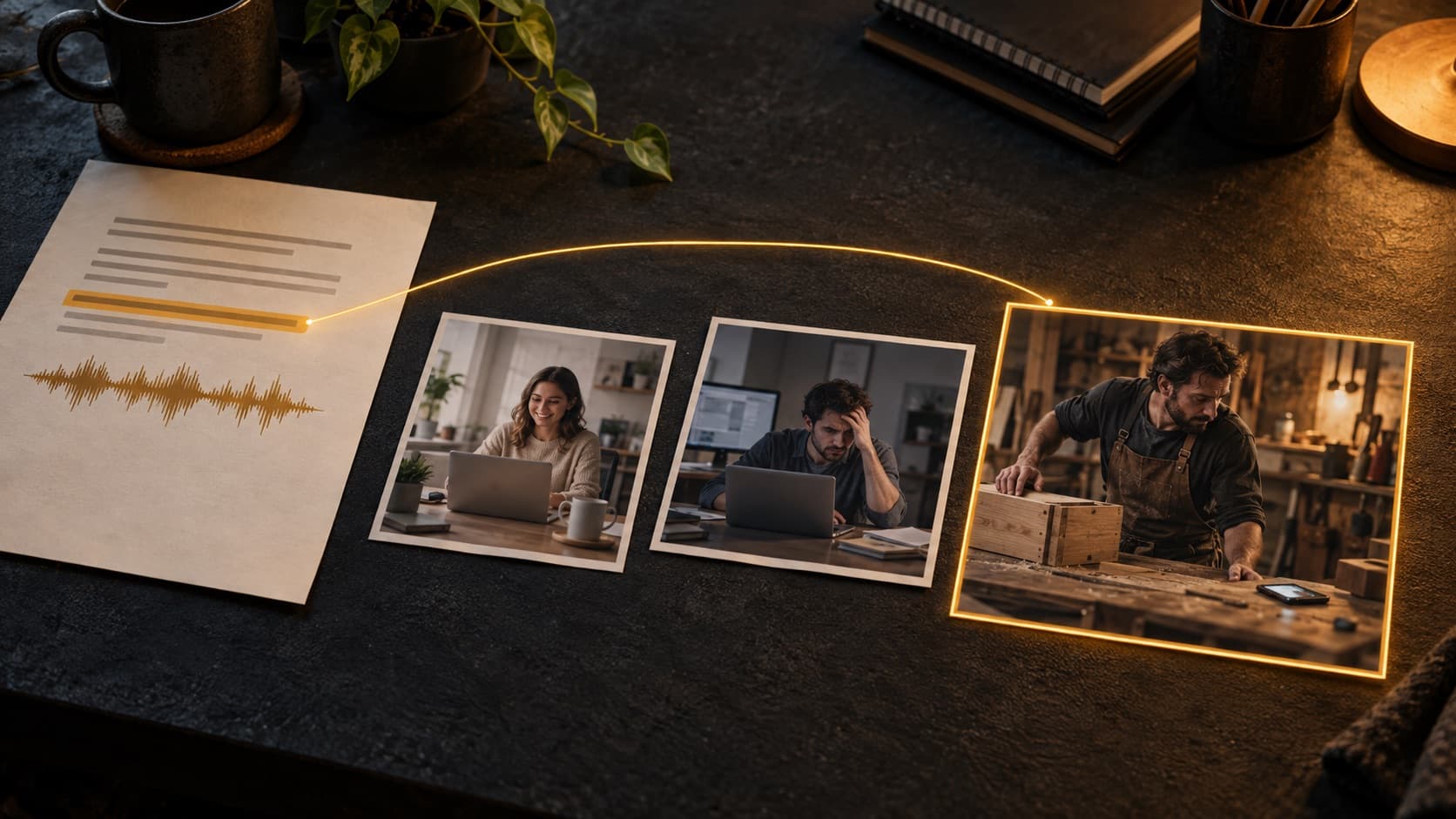
How to Match B-Roll to a Voiceover Without Using Generic Stock Clips
Match B-roll to the meaning of your voiceover. Compare three shot choices, build a scene plan, and find relevant stock clips with ScenePull.
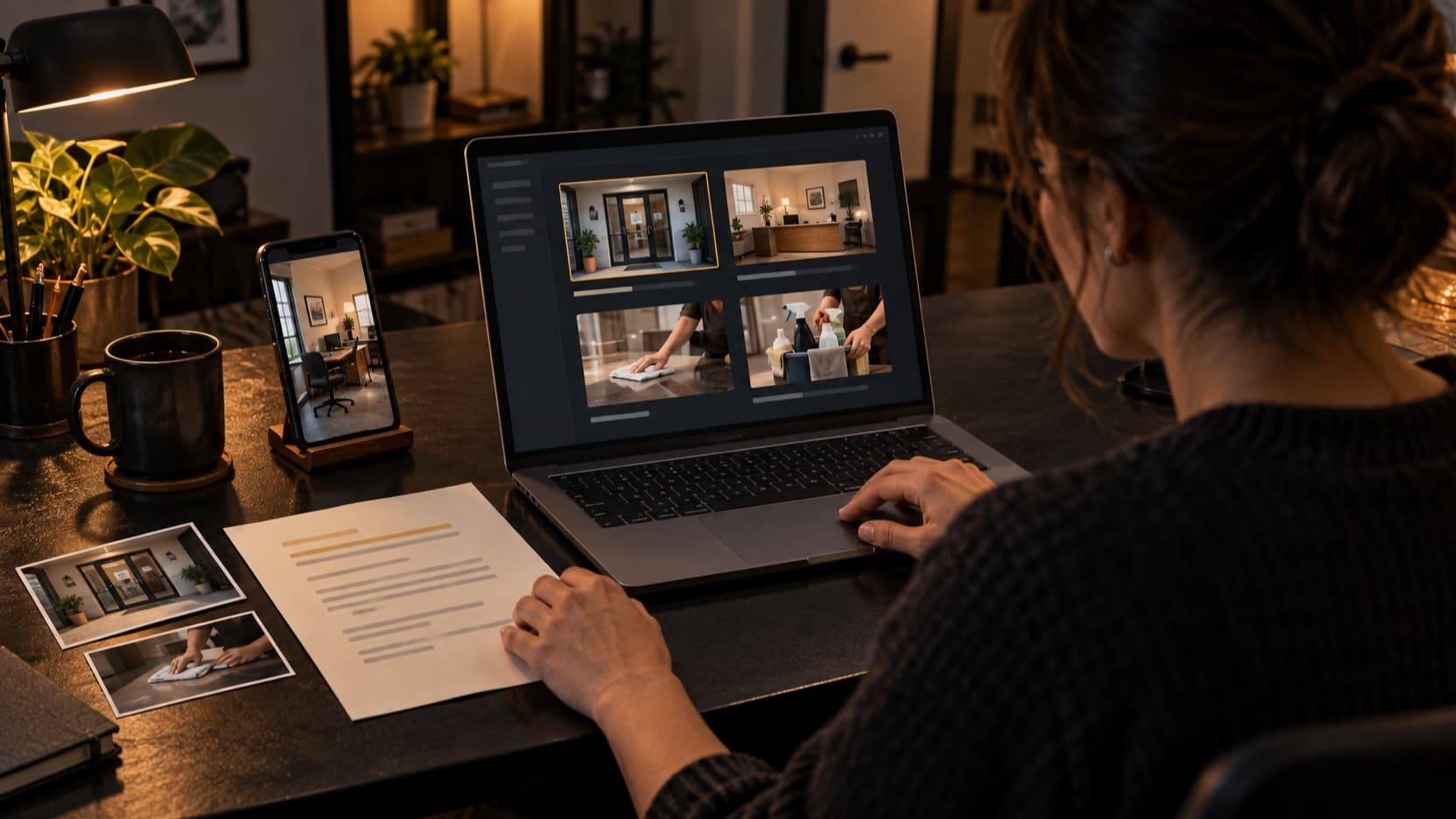
How to Make a Small Business Video with AI and No Production Team
Have a company script but no production team? Build a simple service video with a practical script, shot plan, your own business assets, and ScenePull.
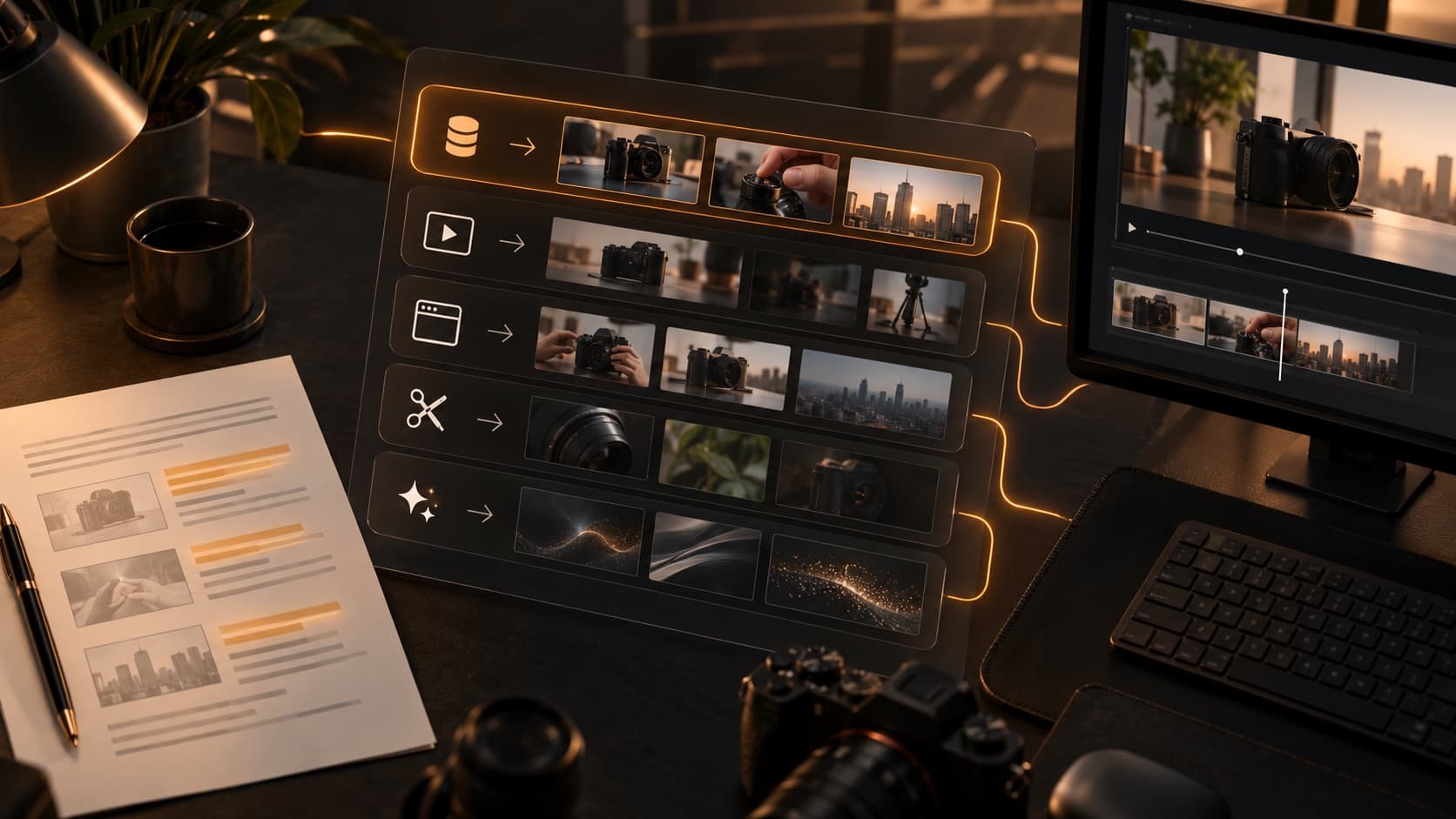
B-Roll Video Generators for Product Explainers: 5 Tools Compared
Compare five B-roll tools for product explainers. Learn when to source stock footage, generate illustrations, or film real evidence—with ScenePull first.
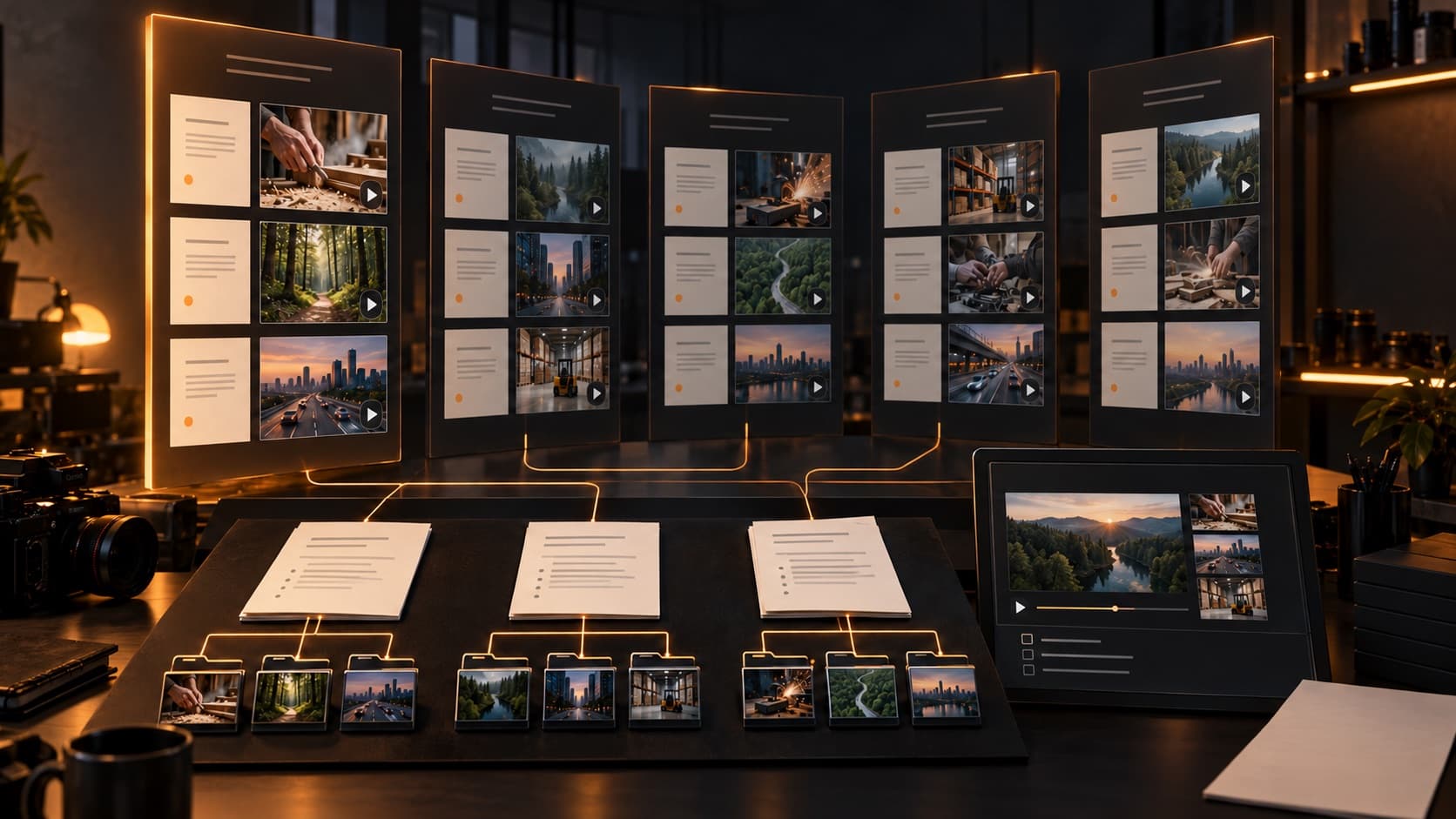
B-Roll Automation for Video Teams: 5 Tools Compared by Workflow
Compare five B-roll automation workflows for video teams. Start with ScenePull for script-based sourcing, then plan reviews, revisions, and editor handoffs.
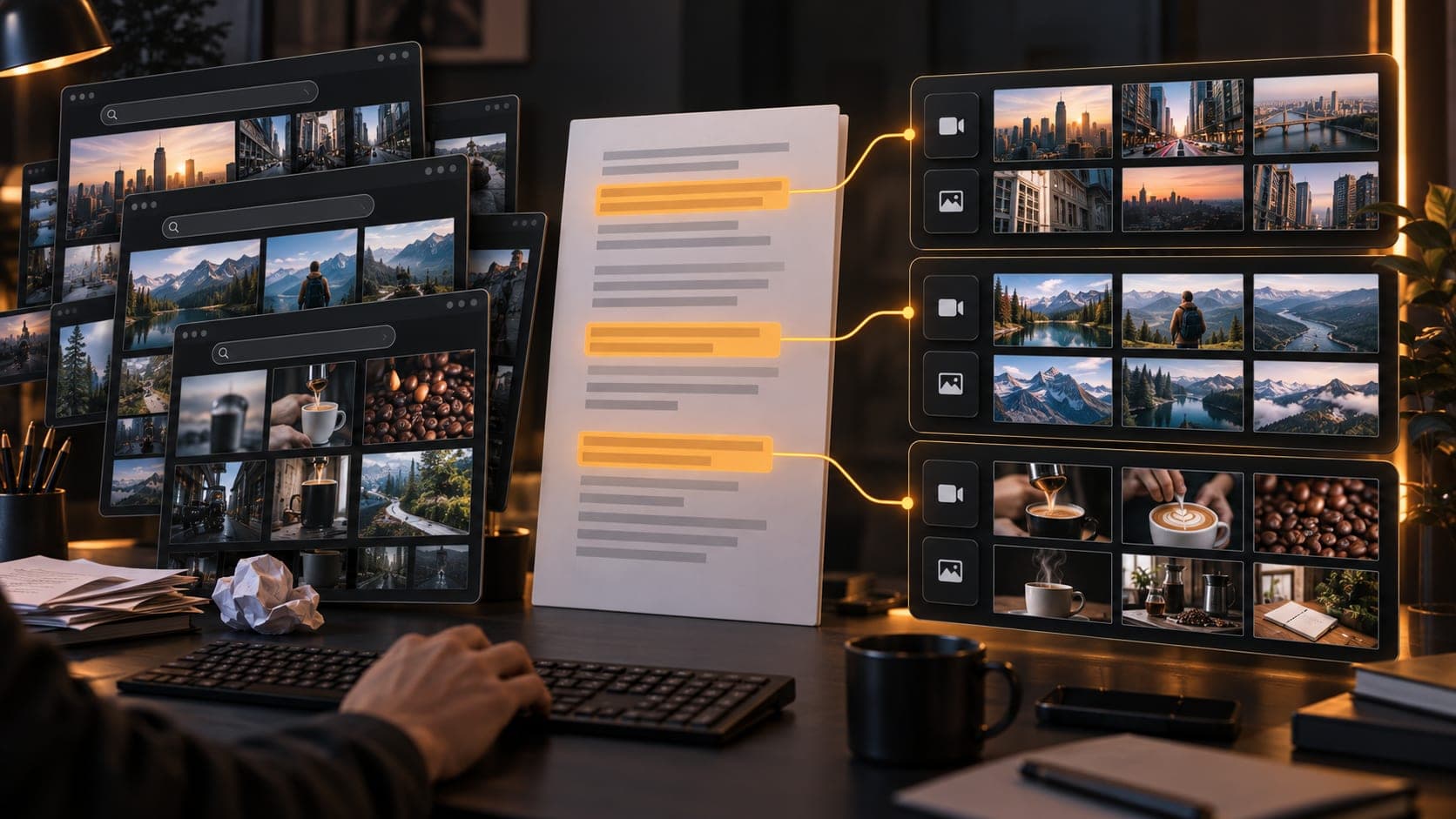
Automatic B-Roll Tools for Scripted Video
Turn a finished script into an organized B-roll sourcing workflow. ScenePull detects visual scenes and finds matching stock clips and images for you to review.
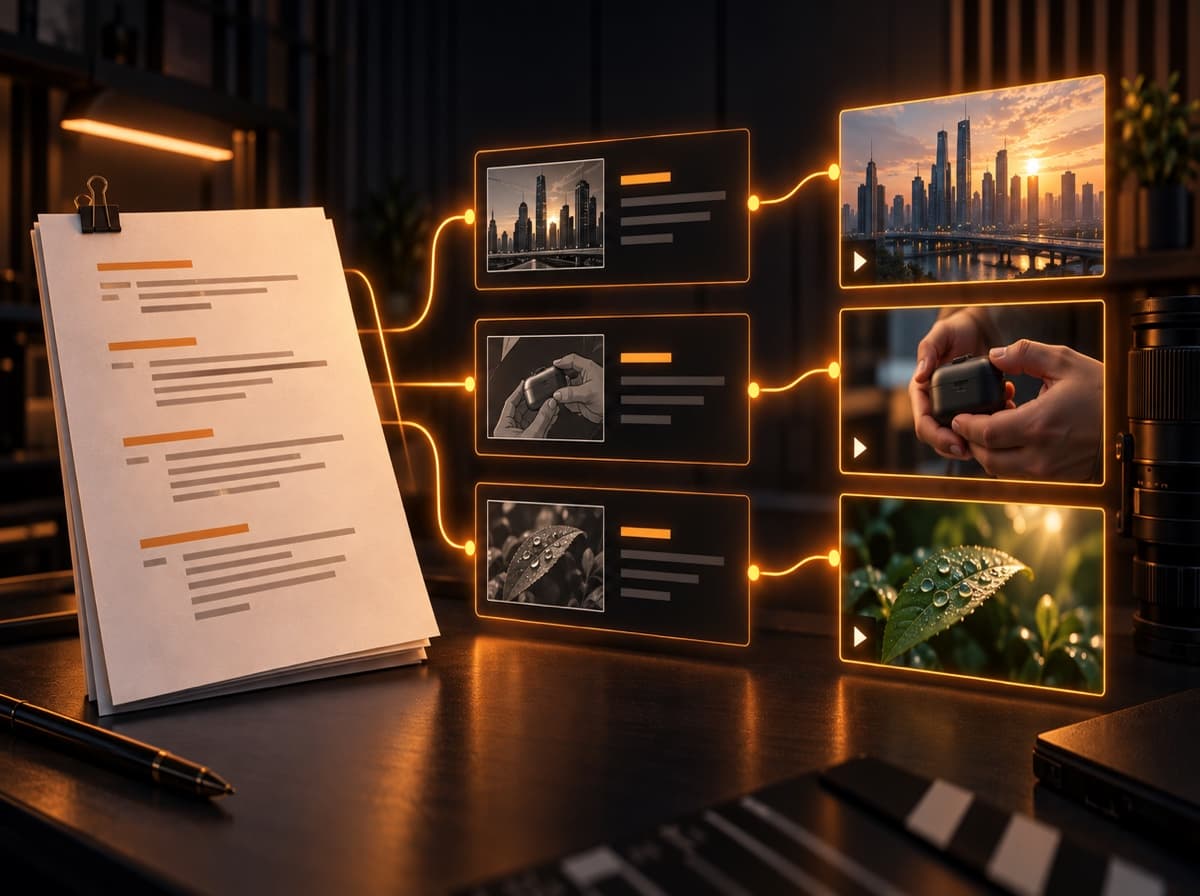
B-Roll Footage: What It Is, Where to Find It, and How to Use It
A practical guide to choosing, sourcing, and editing B-roll footage for YouTube, faceless videos, explainers, and documentaries.
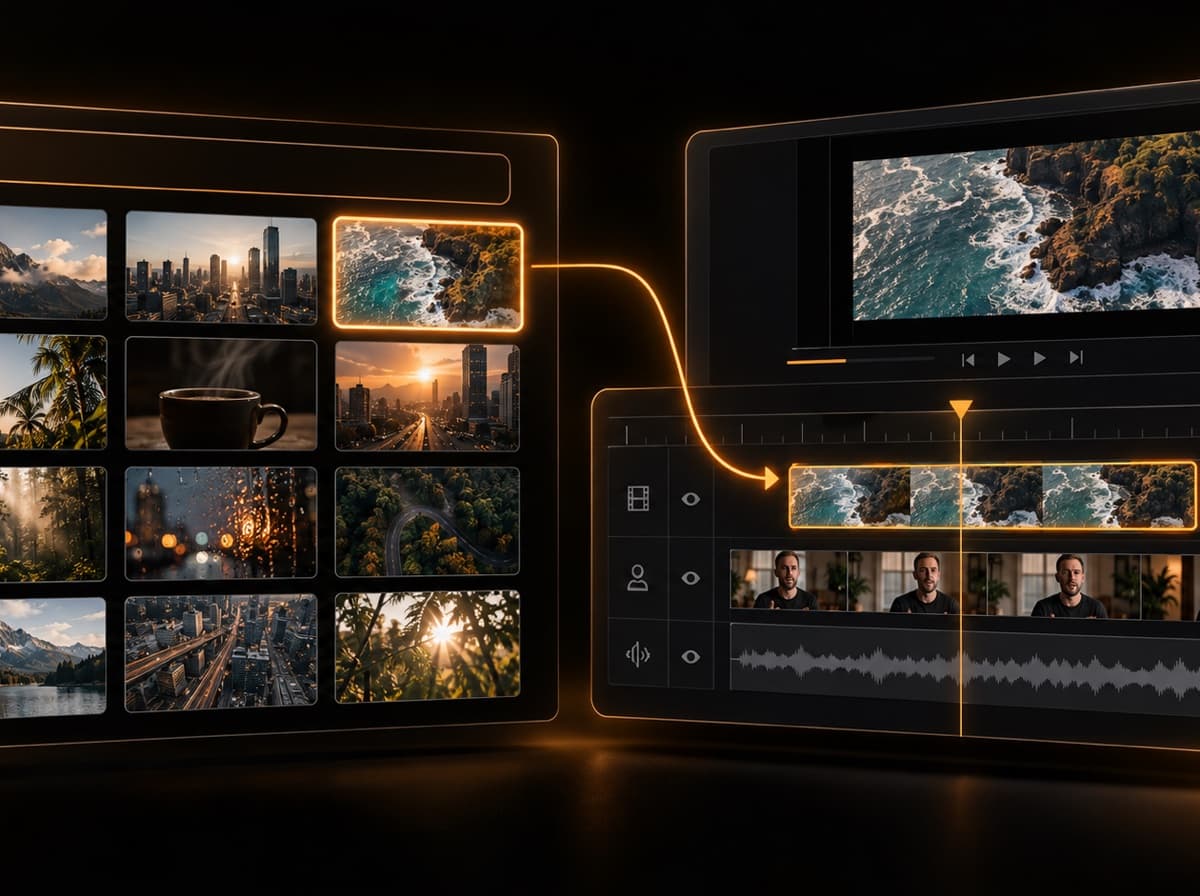
Stock Footage vs B-Roll: What’s the Difference?
Stock footage describes where a clip comes from; B-roll describes the job it performs in an edit. Learn when they overlap, when they do not, and which to use.
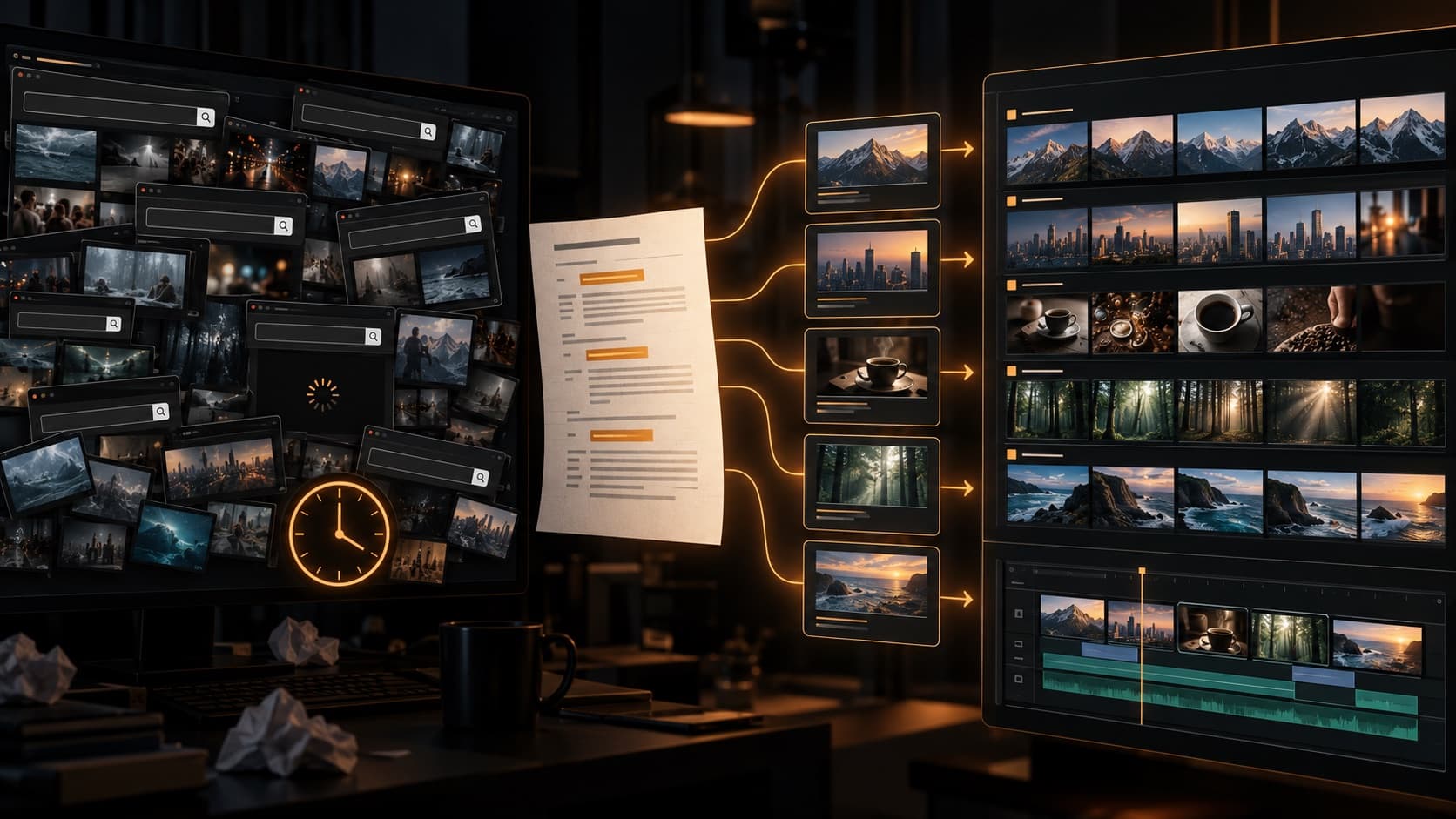
How to Find Stock Footage Faster for YouTube Videos
A practical, script-first workflow for finding relevant stock video faster, writing stronger search queries, and organizing clips before the edit.

Stock Footage Licensing for YouTube: What Pexels, Pixabay, and Shutterstock Actually Allow
Pexels is free. Pixabay is free. But 'free' doesn't mean 'use anywhere for anything.' Here's exactly what each major stock footage source allows for YouTube — including the gray zones that get creators in trouble.

The Complete YouTube Creator Tool Stack in 2026
Every tool serious YouTube creators use in 2026 — organized by production phase. From scripting and footage sourcing to editing, thumbnails, and analytics. Start here if you want to know what actually works and what it costs.

How to Start a Faceless YouTube Channel in 2026 (Complete Guide)
Faceless YouTube channels are one of the most scalable content formats in 2026 — no camera, no editing experience required. Here's the exact production stack, channel types that actually monetize, and the b-roll workflow that separates channels that grow from channels that stall.

From Script to Shot List in 60 Seconds with AI
The traditional script-to-shot-list process takes 1-2 hours. Here's how AI tools cut it to 60 seconds — and how to export directly to Premiere, DaVinci, or CapCut.

How to Find B-Roll for YouTube Videos in 2026
The fastest methods to find b-roll for YouTube videos: stock sites, shooting your own footage, AI generation, and AI curation tools compared.

AI Video Pre-Production Tools Compared (2026)
Honest comparison of the best AI tools for video pre-production: scripting, storyboarding, shot lists, and b-roll sourcing — with pricing and use cases.

ScenePull vs Generalist Video Tools: Why Specialization Wins for B-Roll
Canva and Lumen5 do everything okay. ScenePull does one thing — matching b-roll to your script scene by scene — and does it precisely. Here's the real difference.

ScenePull vs OpusClip (2026): Two Different Tools for Two Different Jobs
ScenePull generates b-roll assets from your script before you edit. OpusClip clips finished videos into shorts. Here's which one you actually need — and why most serious creators run both.

ScenePull vs Manual B-Roll Search: The Real Time Cost
Searching Pexels, Unsplash, and Shutterstock manually takes 1-2 hours per video. ScenePull does the same job in 60 seconds. Here's the honest comparison.

ScenePull vs Descript (2026): Pre-Production Tool vs Editing Tool
Descript removes filler words and edits via transcript. ScenePull generates b-roll assets from your script before you record. They solve different problems — here's which one to start with.

Best AI B-Roll Generators in 2026: Ranked by What Actually Matters
Comparing the top AI b-roll tools for YouTube and TikTok creators in 2026. ScenePull, Pictory, InVideo, Lumen5, Runway, and Pexels AI — ranked by actual usefulness for real editing workflows.