
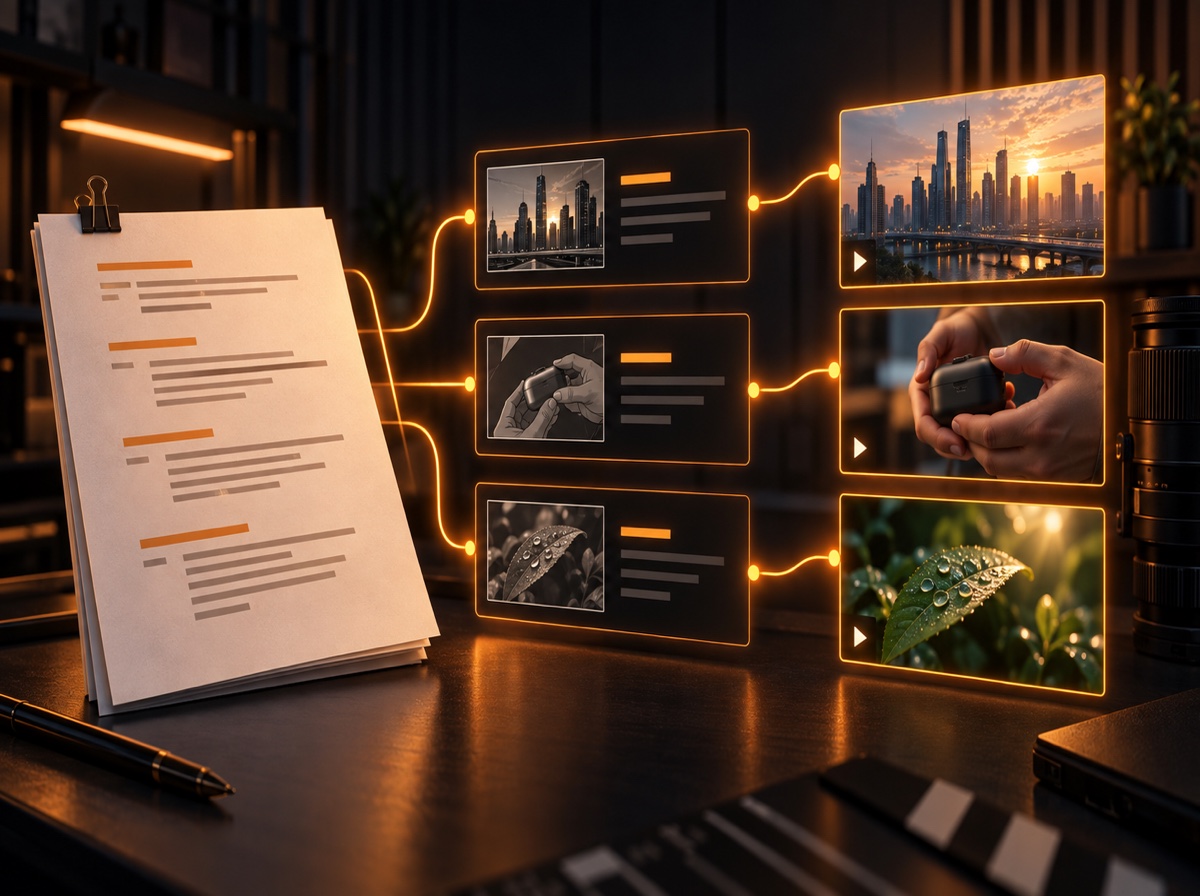
B-roll footage is the supporting visual material that makes a video clearer, more convincing, and easier to watch. It is the product close-up while a reviewer explains a feature, the city exterior before an interview begins, or the archival photograph under a documentary voice-over. It can also hide a jump cut, but treating it only as editing camouflage wastes its real value.
Good B-roll gives the viewer information the main shot cannot. The practical challenge is not finding any clip; it is finding the right clip for a particular sentence, scene, and tone. This guide explains how to plan, source, and use B-roll video deliberately—whether you shoot it yourself, license stock clips, or combine both.
What Is B-Roll Footage?
B-roll is supplementary footage used alongside the primary material in a video. Its job may be to illustrate an idea, establish context, provide visual evidence, create atmosphere, compress time, or bridge an edit. Adobe's B-roll overview also notes its role in establishing scenes and smoothing transitions.
The definition depends on function, not where a clip came from. Footage you record on location can be B-roll. So can a licensed stock video, screen recording, map, animation, still photograph, or archival clip. A clip becomes B-roll because of how it supports the main story inside the edit.
A-Roll vs. B-Roll
A-roll carries the central message. In a talking-head YouTube video, that is usually the presenter. In a documentary, it might be the interview. In a tutorial, it could be the main demonstration or screen recording. For a faceless video, the voice-over often functions as the narrative spine even though it is audio rather than a camera roll.
B-roll supports that spine. If a founder says, “We packed the first orders in my garage,” the interview is A-roll; shots of the garage, packing tape, labels, and hands sealing boxes are B-roll. The two categories are editorial roles, not rankings. Strong supporting footage can carry much of the viewer's experience.
| Question | A-roll | B-roll |
|---|---|---|
| What does it do? | Carries the main narrative | Supports, clarifies, or enriches it |
| Typical examples | Presenter, interview, main action | Cutaway, detail, location, process |
| Can audio continue? | Usually supplies the core speech | Often plays over continuing narration |
| Where does it come from? | Usually the production itself | Original, stock, archival, or graphical |
Six Useful Types of B-Roll
- Establishing shots: Wide views that orient the viewer—a building exterior, skyline, workshop, or landscape.
- Cutaways: Related people, objects, or reactions shown while the main audio continues. They can add context and cover a trimmed pause.
- Detail and insert shots: Close views of hands, controls, documents, textures, or product features.
- Process footage: A sequence showing how something happens, ideally with wide, medium, and close angles.
- Evidence and reference visuals: Screen recordings, charts, headlines, archival material, and demonstrations that substantiate a claim.
- Atmospheric and transitional clips: Movement, environment, or visual motifs that set a tone or move between ideas.
A single clip can serve more than one purpose. A slow aerial view may establish a location and create a reflective pause. What matters is knowing the job it performs before placing it.
B-Roll Examples for Different Video Formats
YouTube talking-head video
Suppose a camera reviewer says a new model is easier to carry on long shoots. Useful B-roll clips might show the camera going into a small bag, a hand holding it beside a larger body for scale, and the creator walking with it outdoors. A generic shot of “a photographer” is related to the topic but does not prove the point.
Faceless YouTube video
In a narrated video about urban heat, combine a city establishing shot, shimmering pavement, shaded pedestrians, a temperature map, and close-ups of rooftop materials. The footage is effectively the visual story, so literal clips should be mixed with evidence, diagrams, and moments that control pace. To decide whether a library clip is the right kind of supporting visual, start with the distinction between stock footage and B-roll.
Documentary or interview
If a craftsperson describes restoring an old chair, show the workshop, damaged joinery, tool selection, sanding, dust in the light, and the finished detail. Capture actions as sequences rather than isolated beauty shots. That gives the editor continuity and choices.
Explainer or educational video
For a line about supply-chain delays, a port clip may establish the subject, but a route map, container detail, inventory screen, and warehouse bottleneck explain it more precisely. Abstract claims often need a visual sequence rather than one “perfect” stock clip.
Where to Find B-Roll Footage
1. Shoot original B-roll
Original footage is best when specificity, authenticity, continuity, or access matters. Plan it from the script or interview themes. At each location, capture an establishing view, medium action, close details, entrances and exits, reactions, and clean ambient sound. Record shots long enough to give the edit handles; do not stop the instant the visible action ends.
2. Use free stock libraries
Libraries such as Pexels and Pixabay can be useful for common locations, objects, and activities. Free does not mean unrestricted: inspect the license and the individual asset page, keep a record of the source, and check restrictions on recognizable people, brands, property, and misleading use. The stock-footage licensing guide for YouTube covers the questions to ask before publishing; the next step is learning how to find stock footage faster for YouTube.
3. Use paid stock libraries
Paid libraries may offer broader collections, stronger filtering, model or property releases, and clearer commercial tiers. Evaluate the license for your distribution, client work, advertising, audience size, and reuse needs. Cost matters, but a cheap clip that does not fit the scene is not efficient.
4. Create screen recordings and graphics
When the subject is software, data, geography, or a process, a controlled screen capture, annotated chart, map, or simple motion graphic can communicate more than generic footage. Protect private information and make sure third-party interfaces or media can be shown in your context.
5. Use archival or client-provided material
Photos, home video, documents, press material, and historical footage can add specificity that stock cannot. Confirm permission, provenance, and usage rights. “Found online” is not a license.
A Repeatable Manual B-Roll Sourcing Workflow
- Lock the narrative first. Work from a stable script, transcript, or radio edit so you are not sourcing for lines that disappear.
- Split it into visual beats. Start a new beat when the place, subject, action, claim, or emotional tone changes. The script-to-shot-list workflow is a useful companion.
- Assign each beat a visual job. Mark it as establish, illustrate, prove, demonstrate, transition, or breathe.
- Write search concepts, not copied sentences. Turn “small businesses struggled with rising costs” into concrete options such as “shop owner reviewing invoices,” “price labels changing,” or “empty restaurant tables.” Search subject + action + setting + shot style.
- Collect options before downloading. Shortlist two or three candidates and compare relevance, framing, duration, motion, resolution, frame rate, and license.
- Organize by scene. Use folders or filenames such as
03-costs-invoices-wide, and preserve source URLs and license notes. - Test in the timeline. Judge the clip against the actual narration. A search thumbnail can feel perfect but read incorrectly at full speed.
This workflow is reliable, but repeating searches and file organization across dozens of scenes is where much of the production time goes.
How to Match B-Roll to Each Scene
Use a five-part check before accepting a clip:
- Meaning: Does it express the sentence's actual claim, not merely repeat one keyword?
- Specificity: Is the subject, action, place, or detail concrete enough to be useful?
- Tone: Does the performance, light, pace, and camera movement fit the emotion?
- Continuity: Will color, direction of movement, geography, and visual style sit naturally beside neighboring shots?
- Technical and legal fit: Is the resolution, orientation, duration, frame rate, and license appropriate?
Also decide how long the audience needs to understand the image. A simple establishing view can register quickly; a chart or unfamiliar process needs more time. Cut on a meaningful word, a change in thought, or an action within the clip—not at arbitrary intervals.
Common B-Roll Mistakes
- Matching keywords instead of meaning. A handshake does not automatically explain partnership, trust, negotiation, or acquisition.
- Covering every second. Constant B-roll can make a presenter-led video feel restless and removes emphasis from the moments that matter.
- Choosing cliché over evidence. Endless laptop typing, coffee pouring, and city timelapses often signal a topic without advancing it.
- Ignoring sequence and continuity. Unrelated clips with changing seasons, locations, wardrobe, or movement can confuse the viewer.
- Using footage as decoration. Ask what new information or feeling each shot contributes.
- Forgetting licenses and releases. Track rights while sourcing, not after the edit is locked.
- Downloading without organization. Ambiguous filenames and missing source notes turn revisions into another search project.
Why Script-First Sourcing Is Faster
Sourcing from a finished script turns B-roll from a vague hunt into a defined production task. Each scene has context, a narrative purpose, and a finite set of visual needs. You can see where original footage is essential, where stock can fill a gap, and where a graphic is the clearer choice.
ScenePull is designed around that script-first step. You paste a video script; it detects scenes, finds relevant stock video clips and images for each scene, and organizes the assets for your editing workflow. It does not generate original AI video, replace your editor, or make the creative decisions for you. It reduces the repetitive discovery and organization work so you can spend more time judging which visuals best serve the story.
If you prefer manual sourcing, the scene-by-scene method above will still improve the result. The principle is the same: begin with narrative intent, then choose footage. Do not let the first plausible search result decide what your audience sees.
A Simple B-Roll Checklist
- Is the narrative or radio edit stable?
- Does every selected clip have a clear job?
- Do important claims have visual evidence, not just decoration?
- Have you mixed establishing, action, and detail shots?
- Do adjacent clips match in tone and continuity?
- Have you verified resolution, duration, and licensing?
- Are files named by scene with source records preserved?
- Does the final sequence still leave room for the A-roll to breathe?
The Bottom Line
B-roll footage is not simply “extra video.” It is a visual layer that can clarify narration, provide proof, establish place, create rhythm, and make an edit possible. The strongest workflow starts with the script, defines what each scene needs, then chooses the most appropriate source: original footage, stock, archival material, screen capture, or graphics.
When every clip has a reason to be there, B-roll stops feeling like filler and starts doing real storytelling work.